
We had done OpenLDAP earlier and now we will discuss about Microsoft Active Directory.
Before we start the Active Directory Installation, it is recommended to have this settings configured:
- proper Host Name or Fully Qualified Domain Name
Open Server Manager –> Local Server –> Computer Name
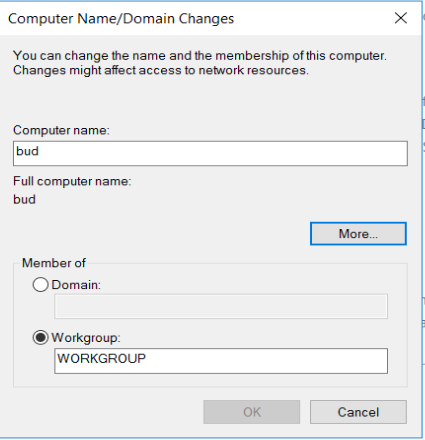
Click More to add the domain name
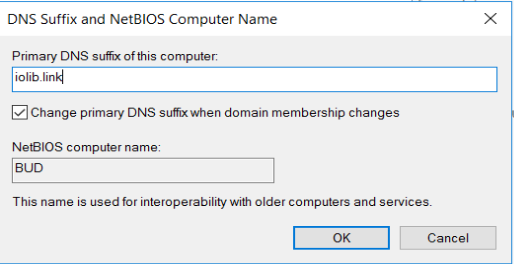
Restart the instance prior name changes.
- DNS record (easier to access instead of remember the IP Address)
- update the server with latest patch
Let’s start the process
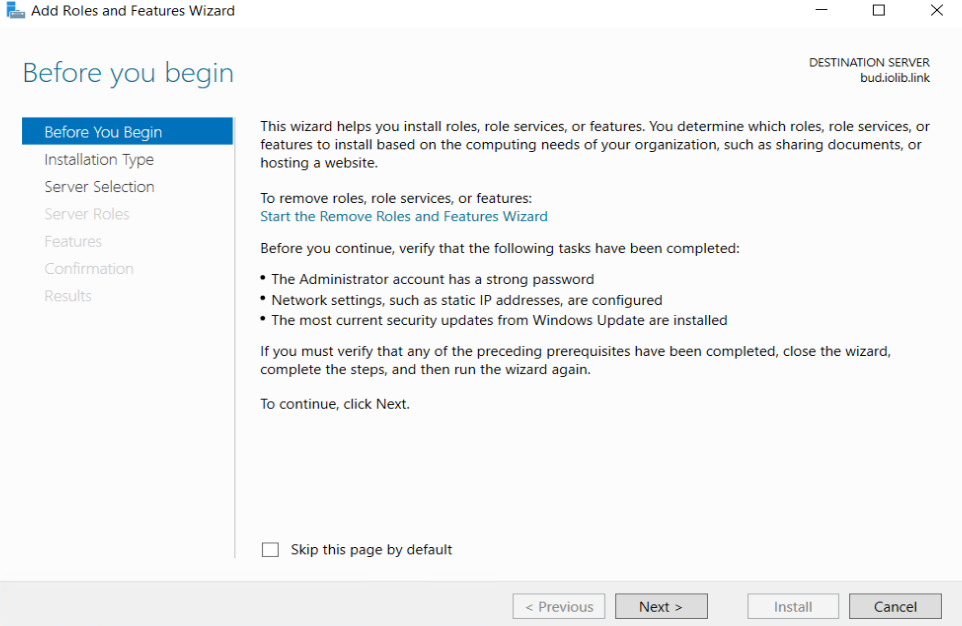
From Server Manager select Add roles and features
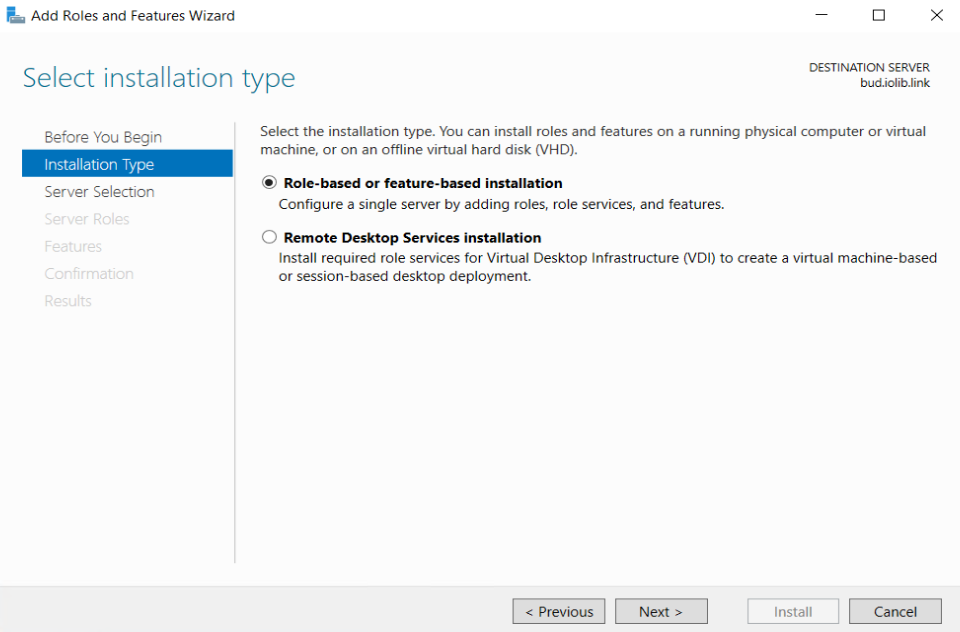
Select Role-based
Select from server pool
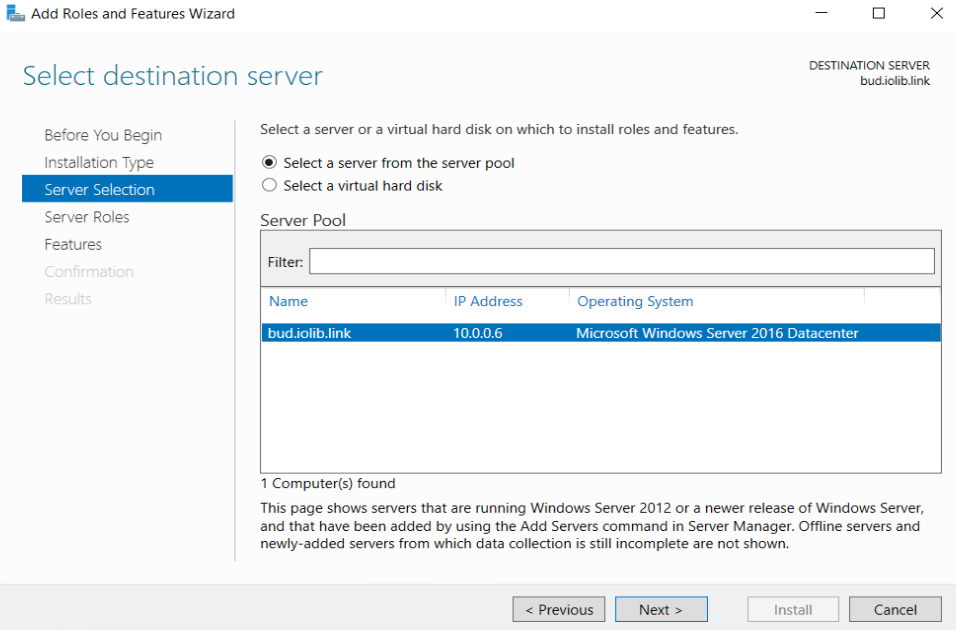
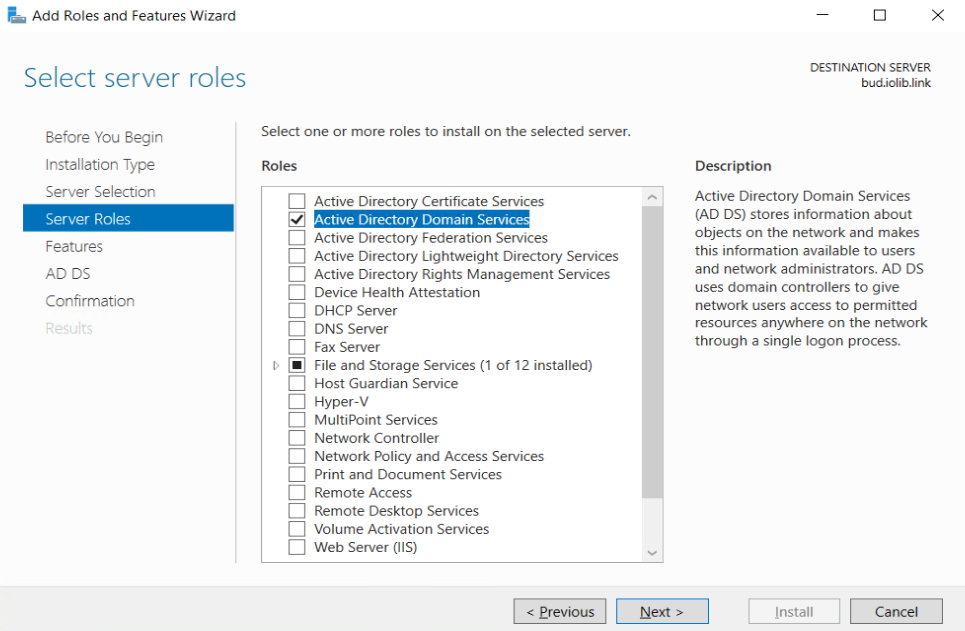
Select Active Directory Domain Services
Click Next until you find Install button
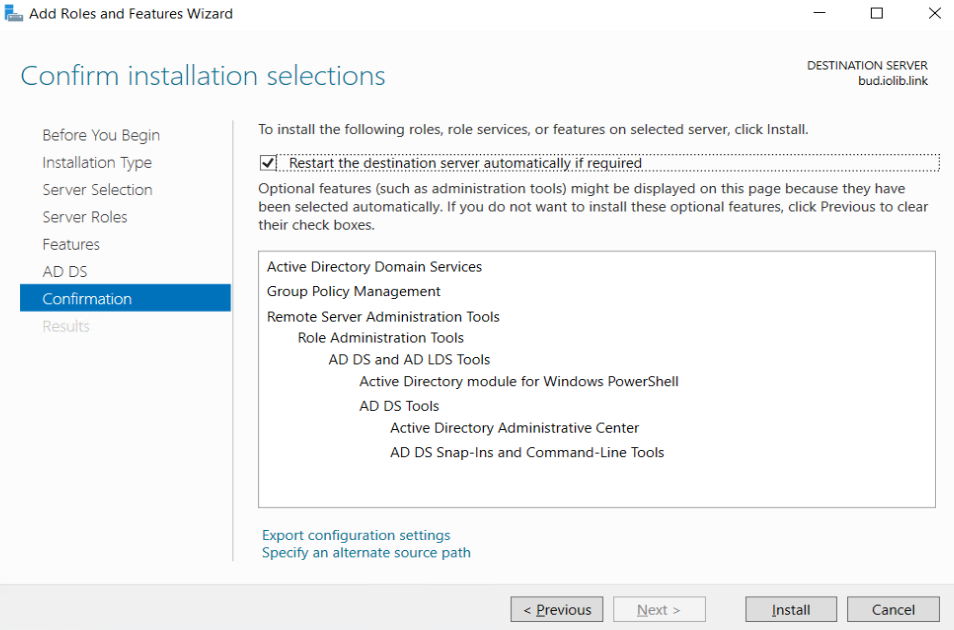
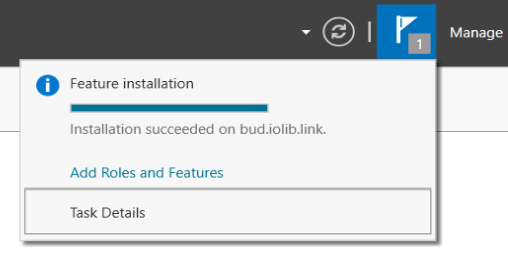
Installation will run and restart the server to configure the Active Directory Domain Services
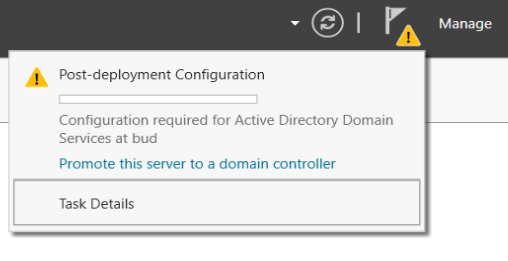
Promote the Domain Controller
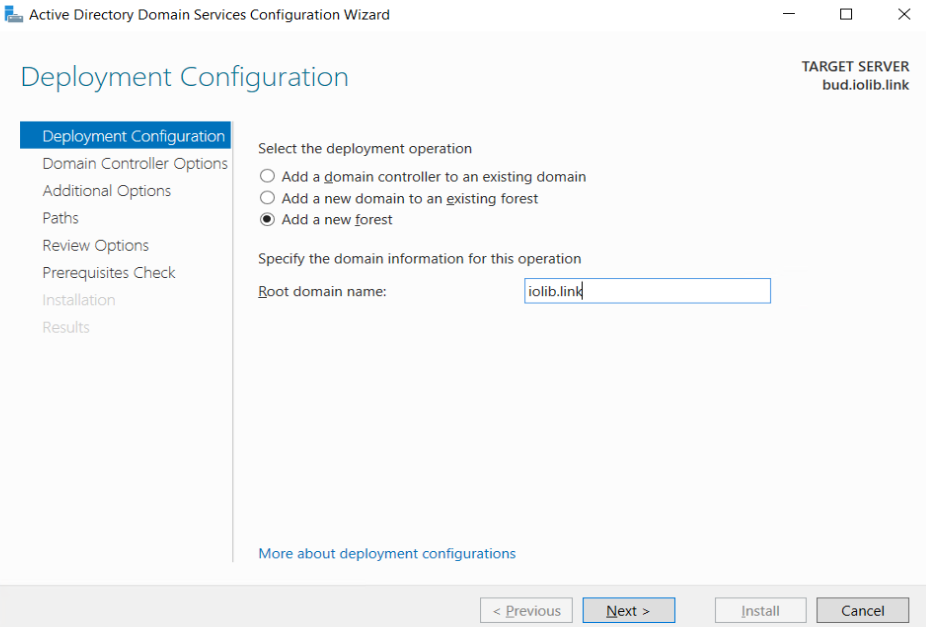
select Add new forest and add Root Domain
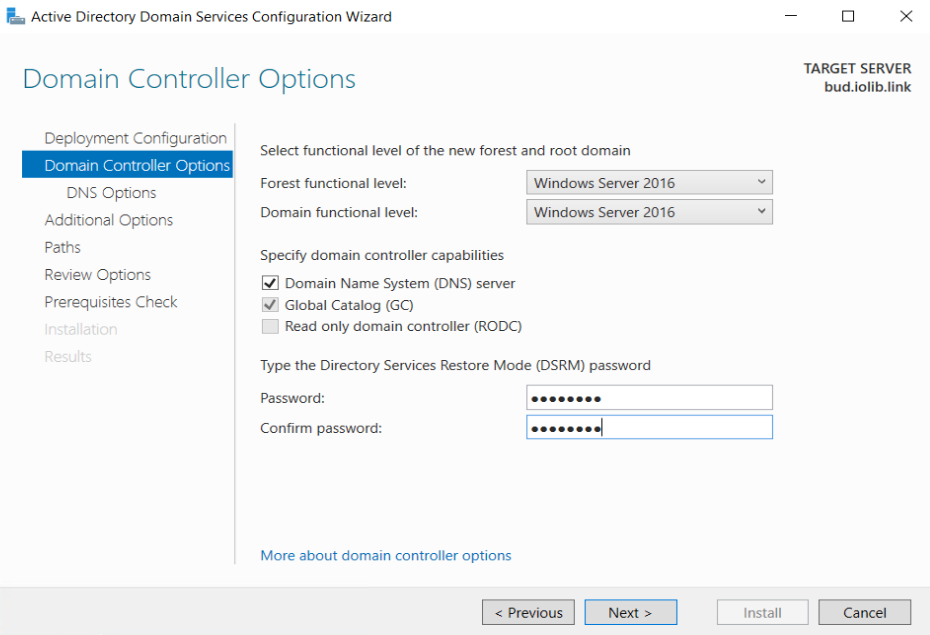
Enter Directory Service Restore Mode (DSRM) password
Simply click Next until Install button
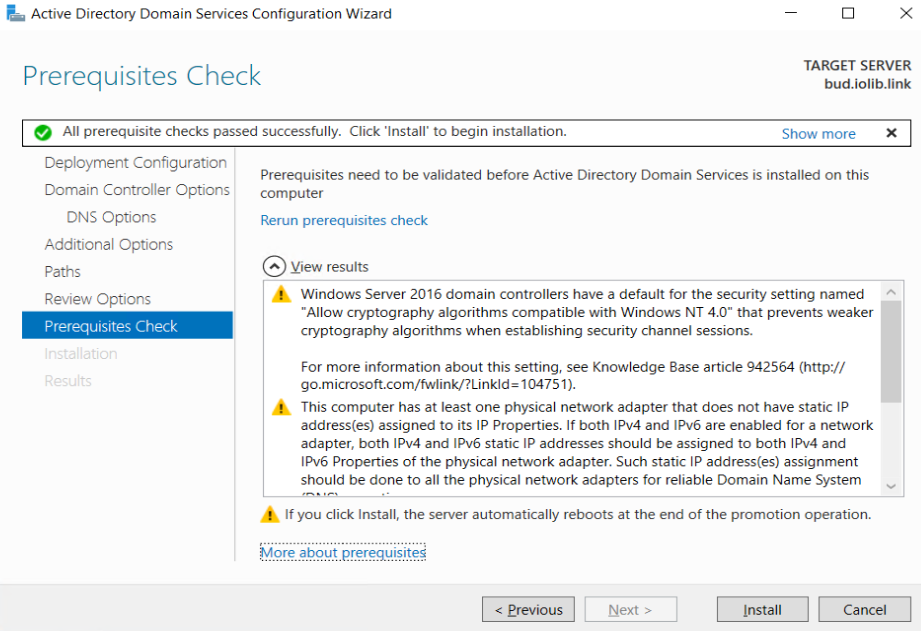
Once Installation completed, server will restart and re login using domain as user domain\user or user@domain format
Congratulation, you have your Active Directory installed.