
Prerequisite:
- Active Directory Domain Controller
- Active Directory Certification Services
- User with following Roles : Local Administrators, IIS_USRS, Enterprise Admins
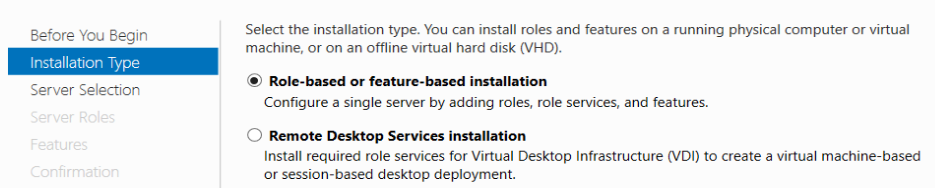
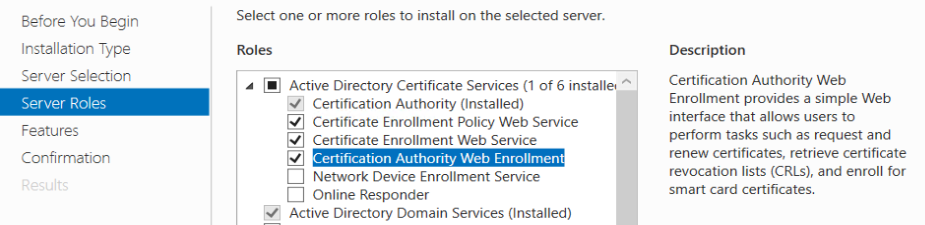
From Server Manager –> Add Role and Features Wizard
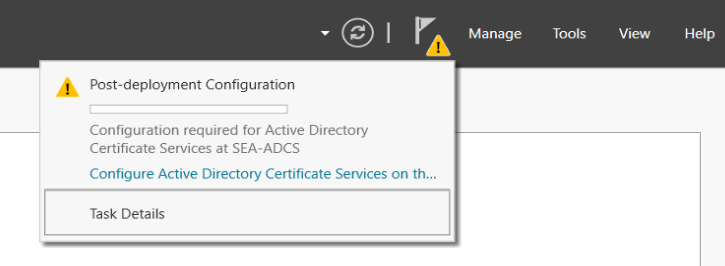
Do post-Deployment Configuration
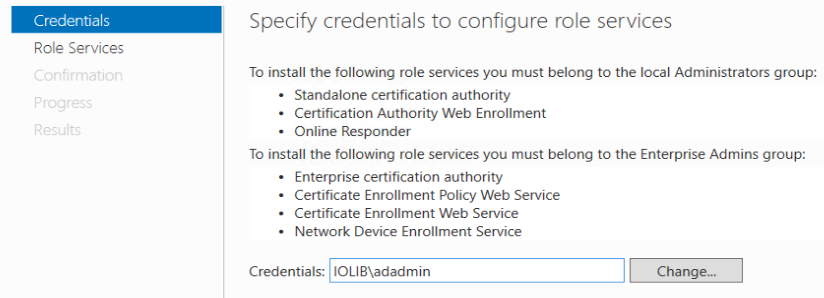
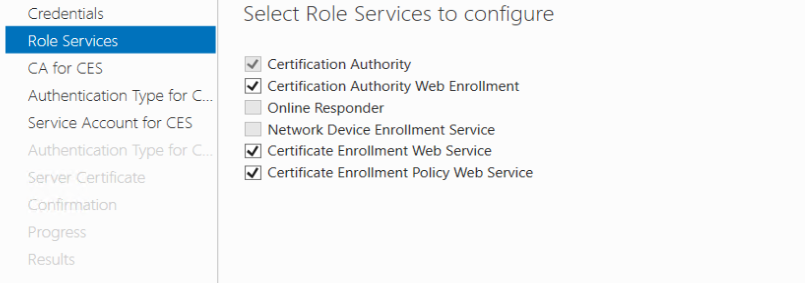
Select the Role Services
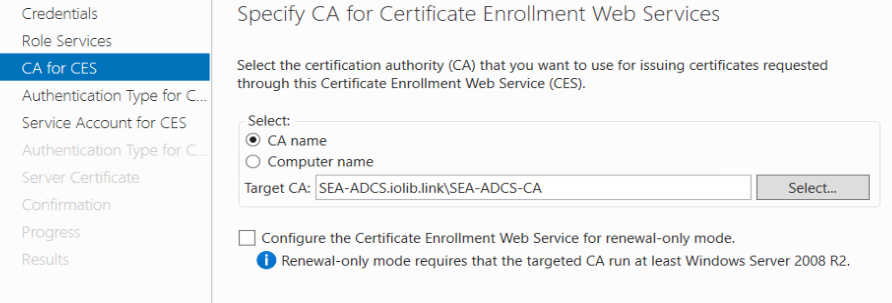
CA for CES
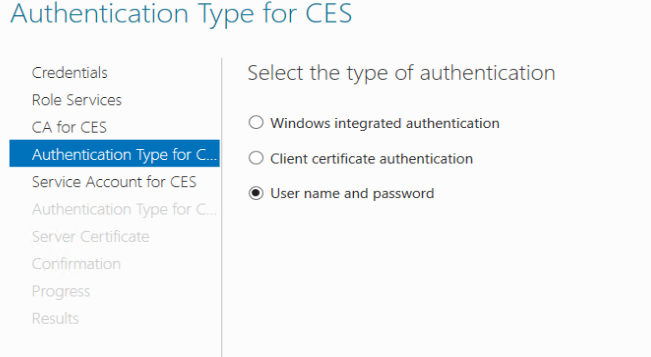
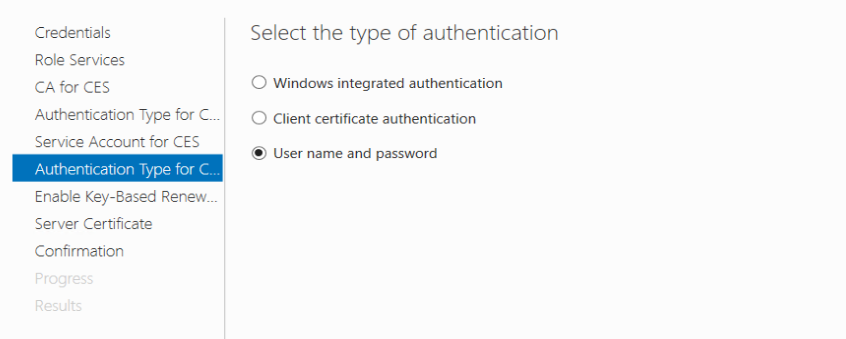
Authentication for CES, easiest using User name and password
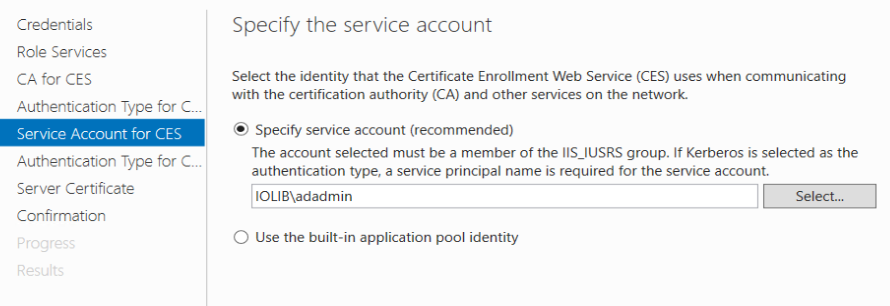
Specify Service Account
Authentication for CEP
Get Root Certificate
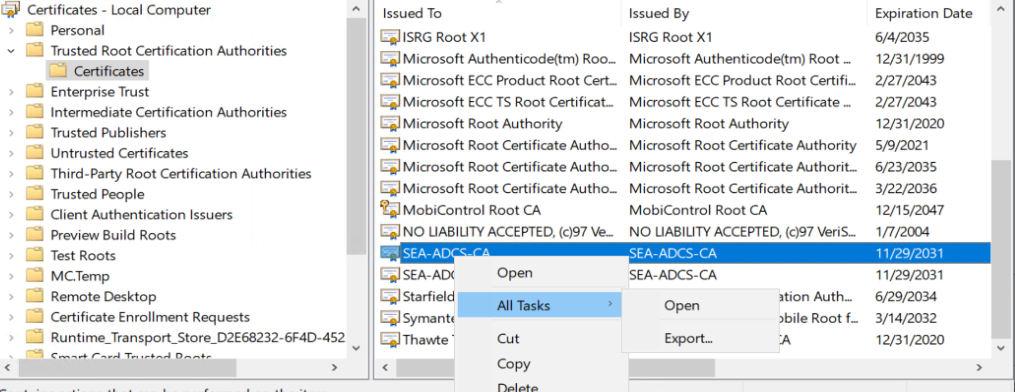
Run Manage Computer Certificates, select Trusted Root Certificates Authorities –> Certificates.
Select the Root Certificate and export it.
Setting CES Account Permission
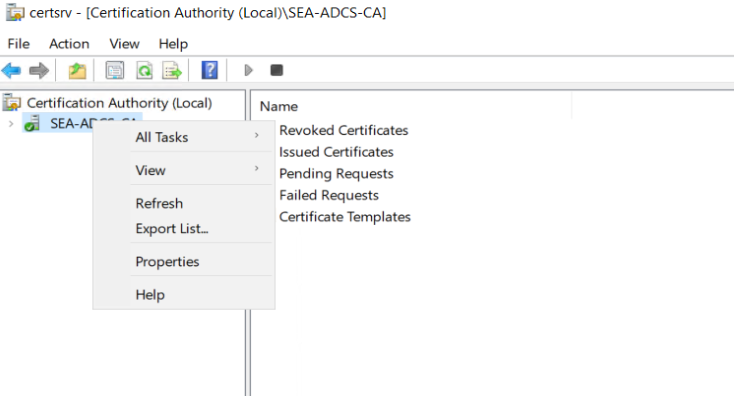
Open the Certification Authority, Select the CA properties
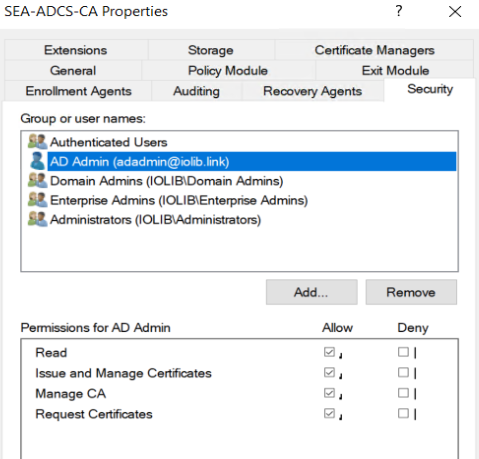
At minimum it must have access for Read and Enroll
Enroll the Certificate Templates
Click Manage
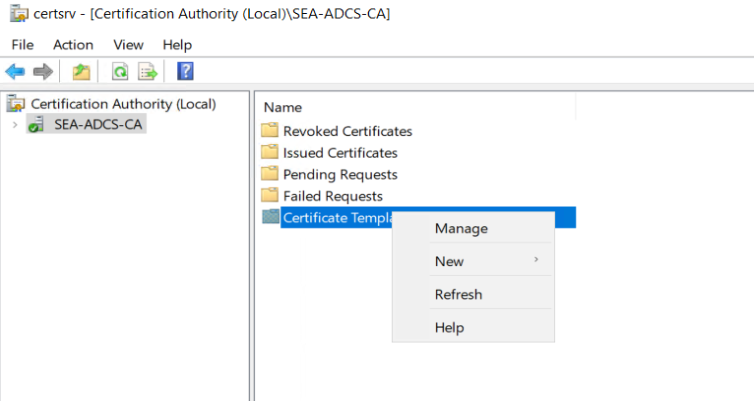
Search for Enrollment Agent and Duplicate it.
Do following changes:
Compatibility change to Windows 2016
General
Change Template Display Name, for example Enroll Cert
Request Handling
Check “Allow private key to be exported”
Security
Select Read, Enroll, AutoEnroll
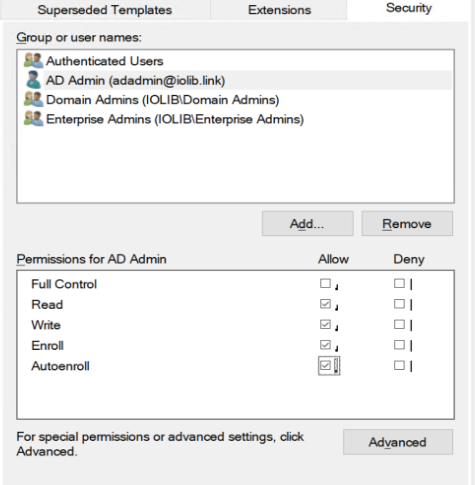
Enroll Template for User Certificate
Duplicate User template and do following changes:
Compatibility
change to Windows Server 2016
General
Change the Template Name
Request Handling
Check “Allow private key to be exported”
Subject Name
Check Supply in the request
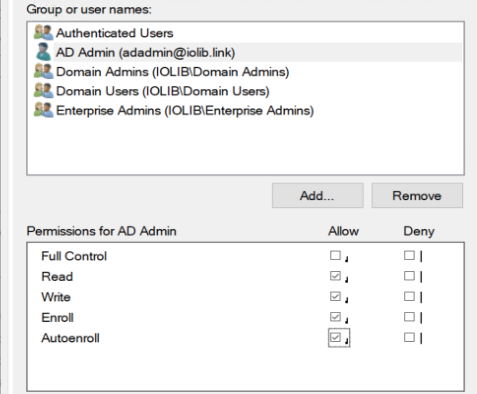
Security
Select Read, Enroll, Autoenroll
Issuance Requirements
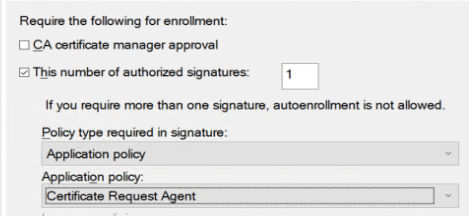
Issuing Certificate Template
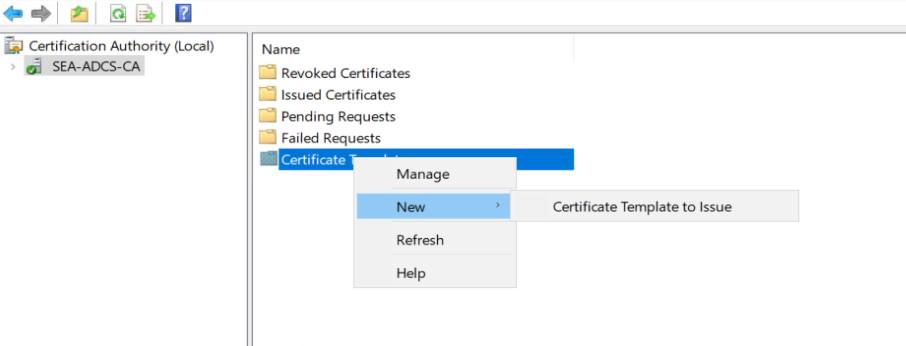
Select Cert Enroll and ADCS User